-
Free forever
-
AI next-word predictions & realistic text-to-speech
-
Highly customizable
See it in action
RPM Letter Board
A-Z grid for letter-by-letter spelling
QWERTY Keyboard
Familiar layout for fast typers
AAC Pictogram Board
2,400+ symbols across 18 categories
Community
Tell us what to build next
Quips is shaped by the people who use it. Share a feature idea, vote on what matters most, and watch the most-wanted ones rise to the top.
Math Board
Five levels of math.
From basic fractions to calculus and geometry proofs. Build expressions, evaluate them, and save work as documents to review, share, or turn in.
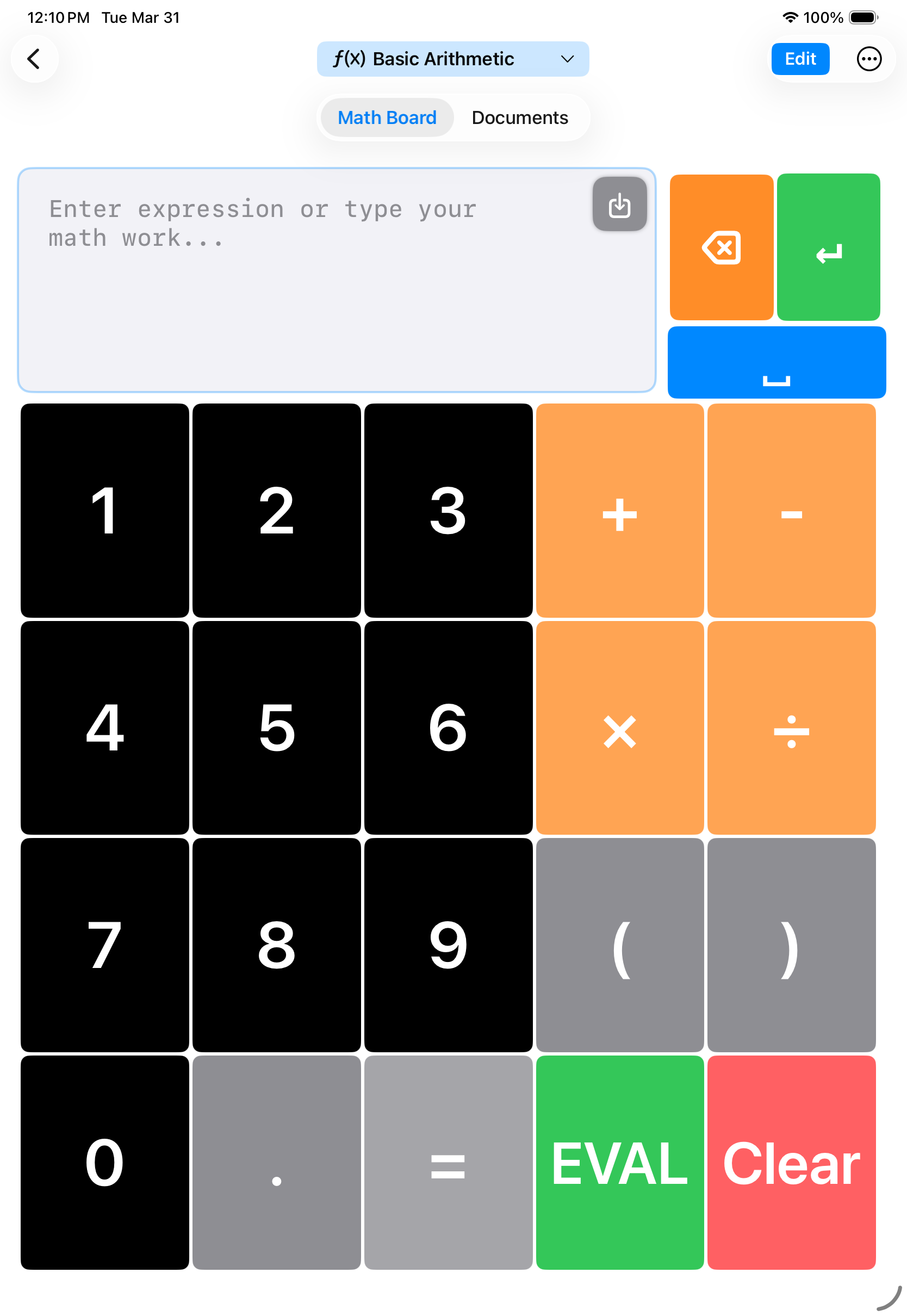
Basic Arithmetic
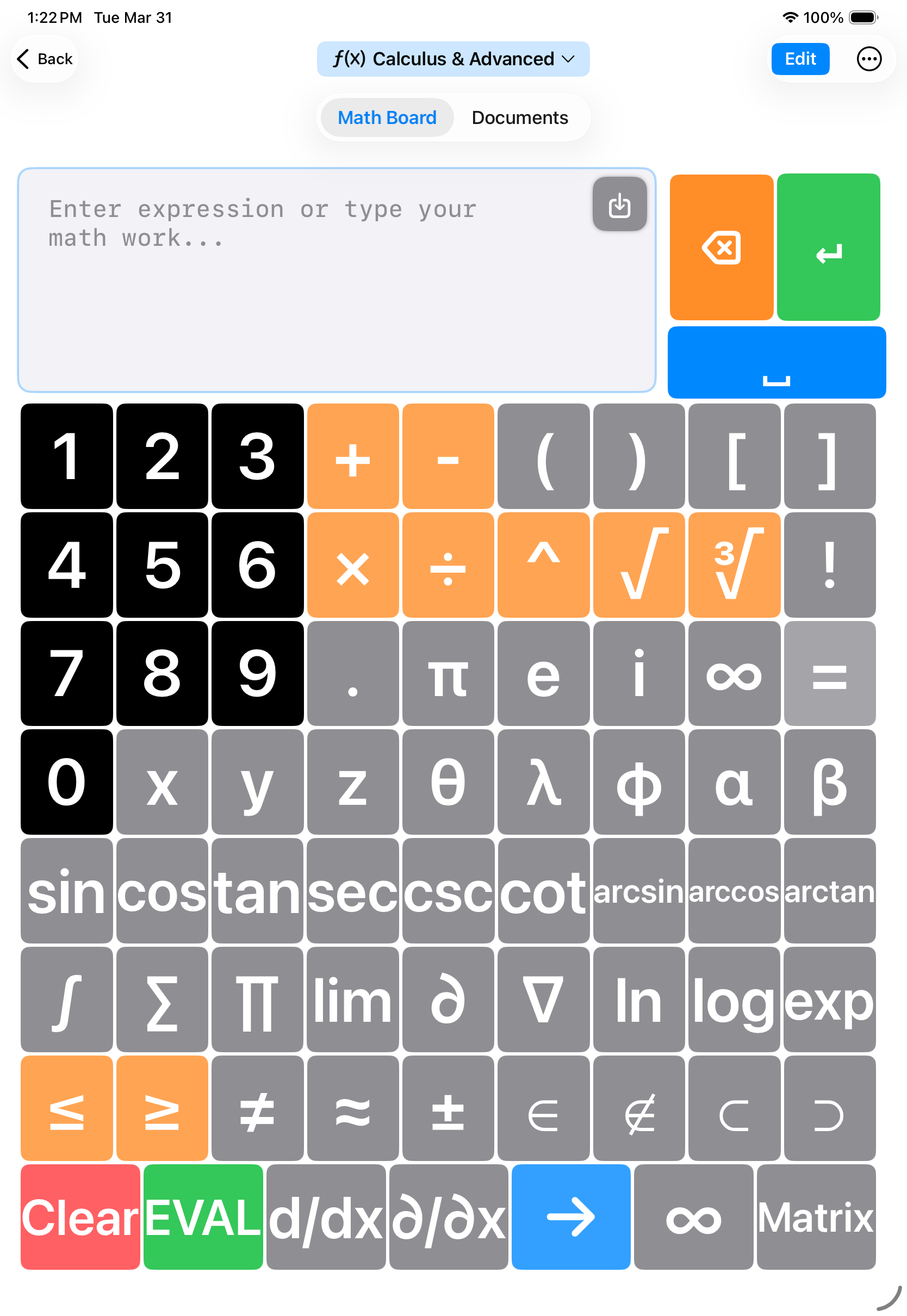
Calculus & Advanced
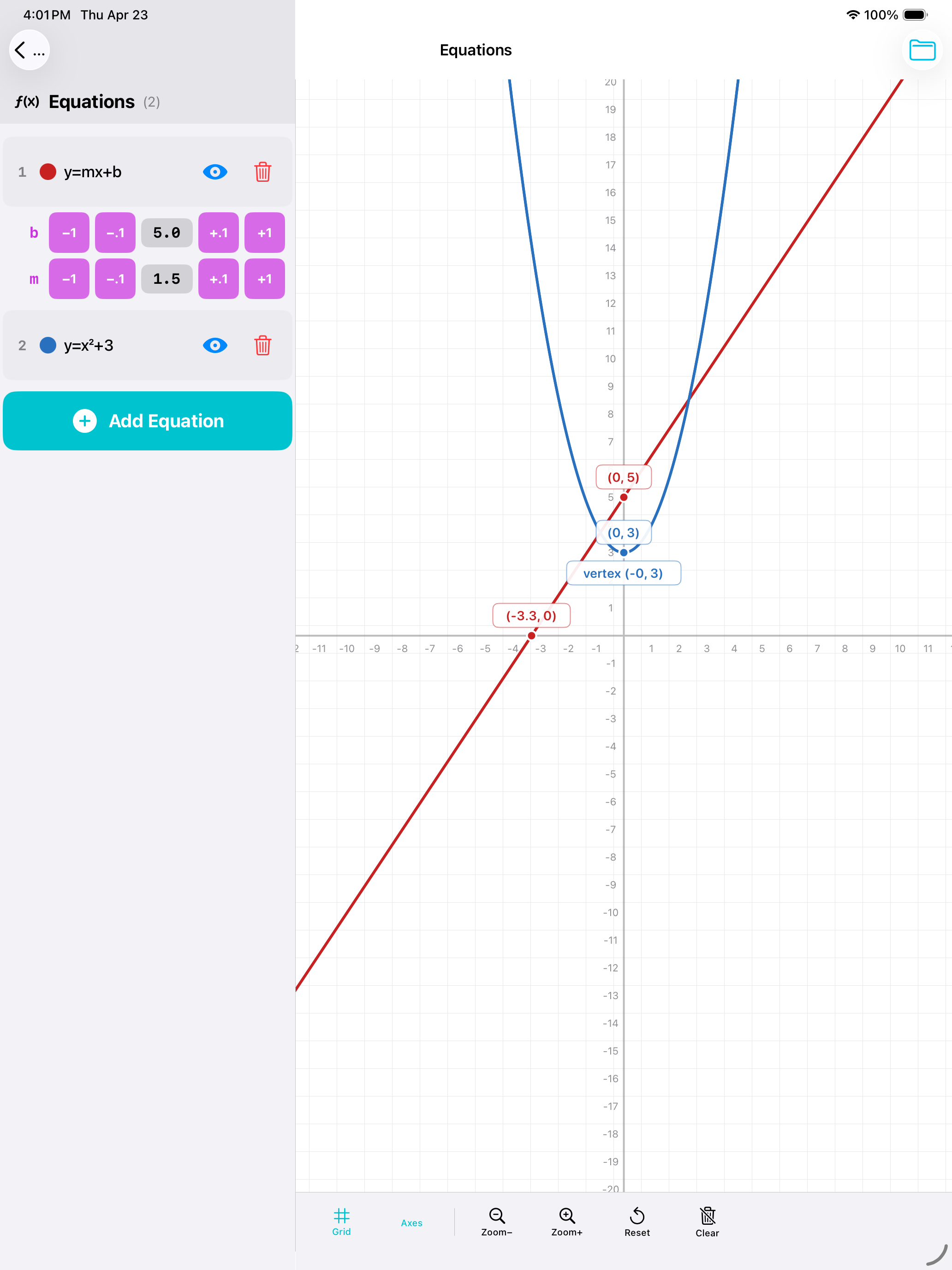
Graphing
Plot equations, tweak coefficients with one tap, and see intercepts and vertices labeled on the grid.
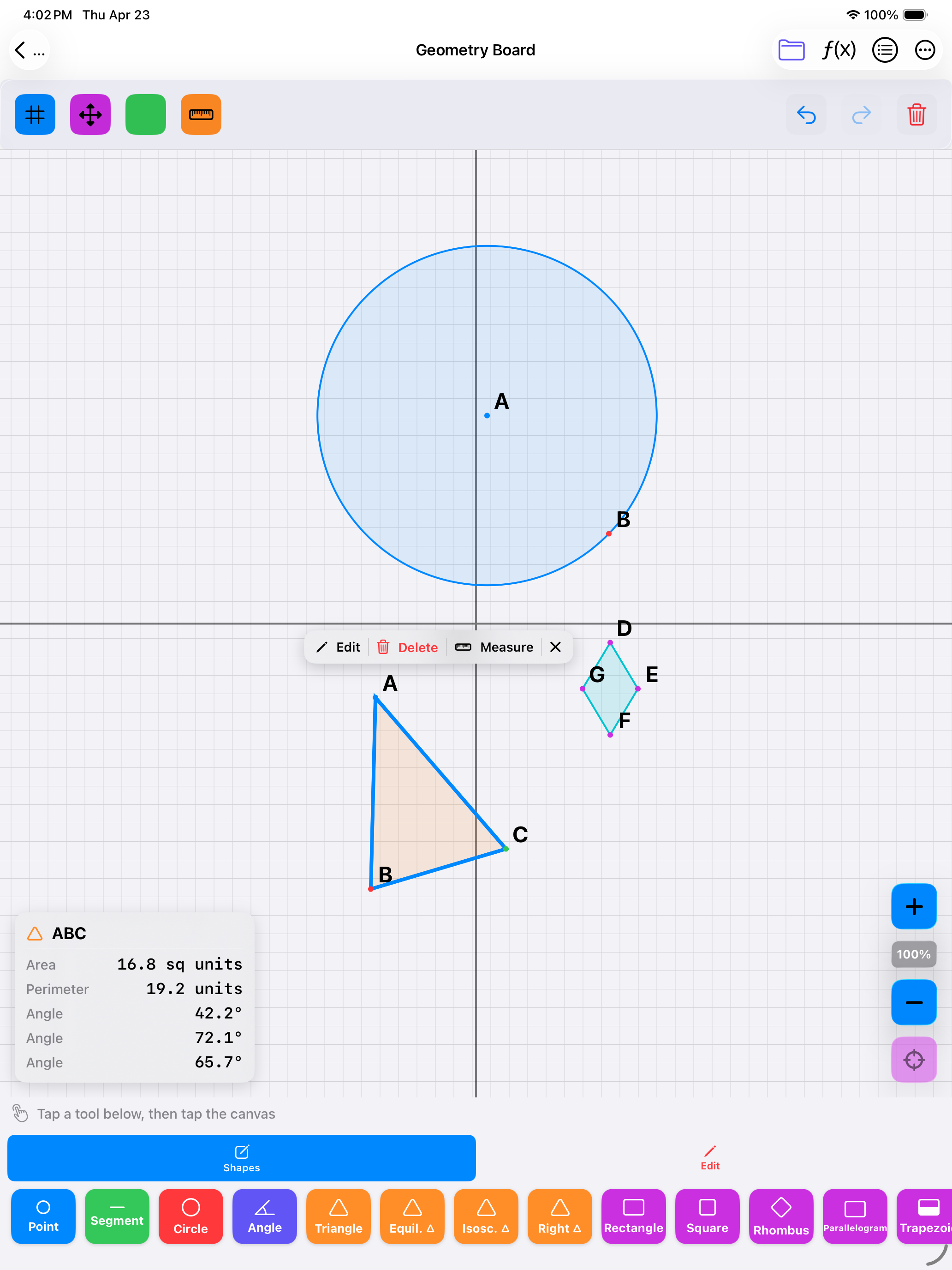
Geometry Board
Build shapes on a coordinate plane. Measure sides, angles, area, and perimeter as you go.
Built-in document system
Every board has a document manager so work is never lost. Save expressions as named documents, revisit past homework, or share via SMS and email.
- Save and name documents right from the board
- Browse, search, and reopen past work anytime
- Share documents via SMS or email
Daily Life & Education
Five communication modes. Always free.
Conversation at home, classwork at school, self-expression everywhere in between. Every mode included from day one, no upgrade required.
Head Tracking
Full control. No hands required.
Built-in head tracking turns head movement into precise cursor control. Navigate every board, type every letter, and play every sound — completely hands-free.
Enable in Settings
Turn on head tracking with one toggle. Choose a preset or fine-tune every parameter.
Calibrate
Look straight at the screen. The system learns your neutral position in seconds.
Navigate
Move your head to point the cursor. Hold still on any button to select it. That's it.
Hands-Free Navigation
Move a cursor across the screen using only head movement. Every button, key, and board tile is reachable without lifting a finger.
Dwell-to-Select
Hold the cursor still on any element for less than a second to select it. A progress ring fills up so you always know when selection will trigger.
Facial Gesture Control
Blink, smile, raise an eyebrow, or open your mouth to trigger actions. Nine gestures are supported, all fully customizable.
Condition-Specific Profiles
Pre-built profiles for ALS, cerebral palsy, spinal cord injury, and children. Sensitivity, dwell time, and smoothing are tuned for each.
Adaptive Smoothing
Three smoothing algorithms filter out tremors and jitter. The system adapts in real time — smooth when still, responsive when moving.
Head + Eye Tracking
Choose head tracking, eye tracking, or a hybrid blend. The system also integrates with iOS built-in accessibility head tracking.
Requires iPhone X or later, or iPad Pro with TrueDepth camera. Uses the front camera for face tracking — no data leaves your device.
Privacy & Safety
Trust is non-negotiable
All personalization data stays on your device. Privacy and safety aren't features — they're foundations.
On-Device Learning
User data never leaves the device. All personalization happens locally.
COPPA & FERPA Compliant
Designed with K-12 student privacy in mind. Minimal, consent-based data use.
Consent-Based AI
Users and guardians must opt in to cloud AI features. Full control, always.
Content Safety Filtering
Offensive language suppressed at multiple layers of the prediction system.
No Tracking
No personal data collected for analytics. Your communication stays yours.
Age-Appropriate Protections
Cloud AI is automatically disabled for users under 13.